Figma to Production Without the Redo Tax
How to structure Figma files with Dev Mode, design tokens, and a handoff spec that developers can ship without rebuilding half the UI from scratch.

Chief Revenue Officer ·

How do you hand off a Figma file without a developer rebuilding half of it in code? The redo tax is paid in three places: scattered file structure, loose component naming, and design values that never travel as tokens. Fix the structure, the naming, and the tokens, and the handoff stops being translation work.
Dev Mode left beta in January 2024, and developers now make up a third of Figma's weekly active users. The old habit of throwing a PNG over the wall does not survive that shift.
What follows is the concrete setup that lets an engineer ship a frame without redrawing it: file structure, Dev Mode configuration, token pipeline, and the component mapping that connects Figma to the real codebase.
What the Redo Tax Actually Costs
The redo tax is the hour a developer spends re-measuring padding because the designer used a 13 px spacing in one card and 12 px in another. It is the color variable that lives in Figma but not in CSS. It is the component that looks like a Button but was built as a frame with an auto-layout rectangle and a text layer.
A Forrester Total Economic Impact study commissioned by Figma put the gain from closing that translation work at 351% ROI over three years, with roughly 90 minutes per developer per week returned. For a seven-engineer front-end team, that is a day and a half of shipping capacity per sprint. The subscription teams at SaaS UX/UI Design Subscription treat those minutes as the budget line that actually matters, because the redesign agency model that costs it does not show up on any invoice.
| Element | Designers | Developers | PMs & Leadership |
|---|---|---|---|
| Code libraries | 20 | 96 | 21 |
| Communication | 86 | 90 | 90 |
| Content design | 33 | 22 | 31 |
Figma File Structure That Survives Review
A production-ready Figma file has five pages, in this order, and no others:
- Cover. Project name, sprint, owner, status.
- Foundations. Color, type, spacing, radius, elevation — published as variables, not swatches.
- Components. The library instances, each with variants, properties, and a description that names the code component.
- Patterns. Composed layouts (forms, empty states, nav) built only from components.
- Flows. The screens the engineer actually builds, ordered by route, with each frame marked with its Dev Mode status.
Frame names match route names. A frame called Settings — billing is harder to diff than /settings/billing. Components are named Component/Variant, matching the path in code. If the React file is Button/Primary, the Figma component is Button/Primary. Anything else is a translation step the developer will pay for.
Dev Mode Setup and the Ready-for-Dev Status
Dev Mode has four moving parts worth configuring before a sprint opens: status markers, Ready for Dev view, Focus View, and annotations. The official guide covers the mechanics; the rule that matters is that only the Flows page is ever marked Ready for Dev, and the status is set by the designer, not the engineer.
Focus View isolates a single frame and strips the rest of the canvas. That is the view a developer should land on when a Linear ticket deep-links into Figma. Annotations replace the Slack thread where measurements used to live. At Config 2024, Figma added additional status options and a dedicated Ready for Dev view to make this flow cleaner.
The Token Pipeline That Keeps Values in Sync
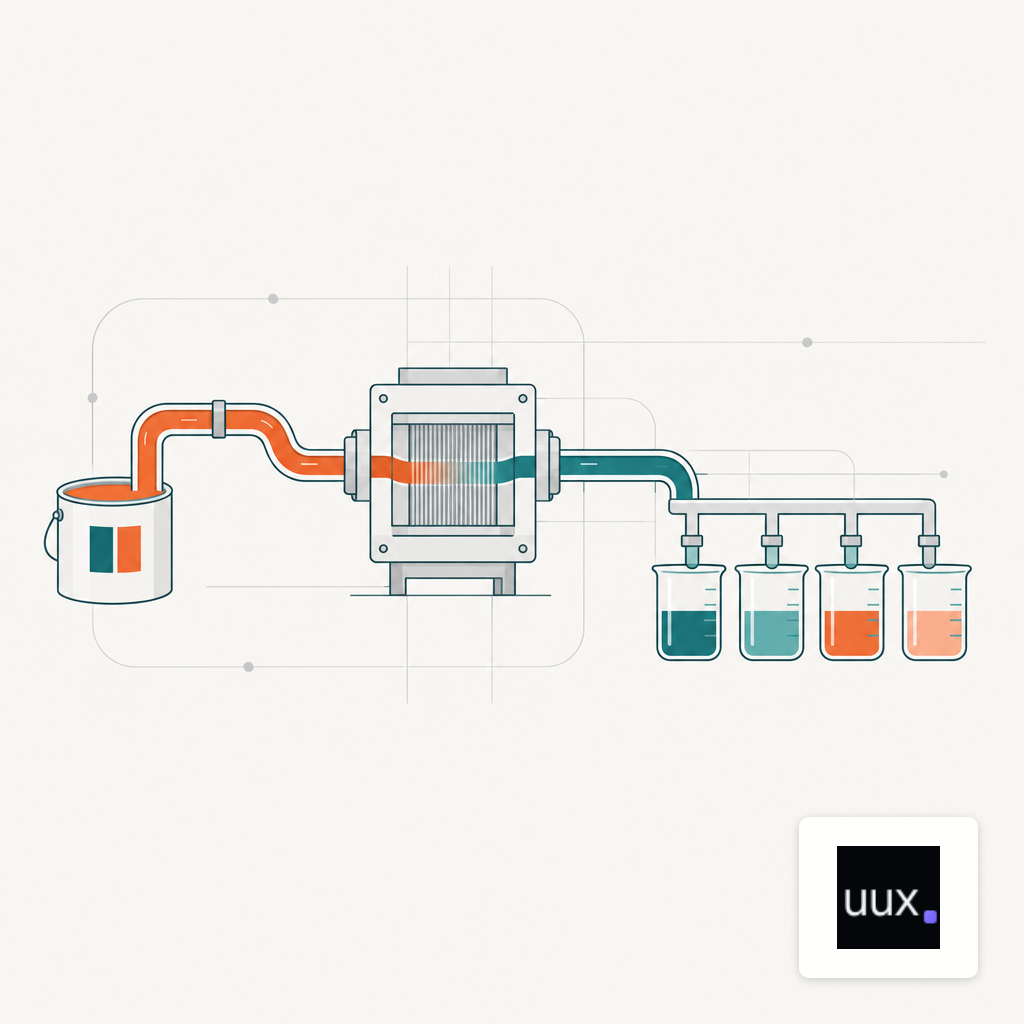
Tokens are the only durable fix for value drift. The Design Tokens Format Module from the W3C Design Tokens Community Group gives teams a shared JSON shape that Figma, Style Dictionary, and most pipeline tooling now read natively. One file, many outputs.
The pipeline that holds up in production has four steps, in this order:
- Figma Variables are the source of truth for color, spacing, radius, and typography.
- The Variables REST API exports to a tokens.json that follows the W3C format.
- Style Dictionary (or a similar transformer) compiles the JSON into CSS custom properties, TypeScript constants, and whatever iOS/Android formats the client ships.
- CI runs on every merge to the token repo and publishes a versioned package the app pulls in.
The litmus test is simple: changing a color in Figma should land in staging on the next merge, with no developer retyping a hex code. If a designer still messages a hex value in Slack, the pipeline is not built.
Code Connect: Mapping Components to the Real Codebase
Dev Mode's auto-generated snippets are a demo, not a handoff artifact. Code Connect, which Figma describes as a bridge between a codebase and Dev Mode, replaces those snippets with the actual component code from a team's design system. A developer inspecting a Button in Figma sees the real import path, the real props, and the real variant names — because the mapping file lives in the repo.
Code Connect also feeds the Figma MCP server with references to real code, which is what makes AI coding agents useful on a design-to-code task instead of a liability. The AI agents redesign workflow only works when the component mapping is in place; without it, the agent invents prop names and the engineer rewrites them. Teams that run Live Vibe Code UX Sessions build the Code Connect file alongside the component, not after.
The Pre-Sprint Handoff Baseline
The checklist a design lead runs before marking a frame Ready for Dev:
- Frame named after the route path.
- Every value on the frame resolves to a published variable, not a local style.
- Every instance on the frame points to a library component, with no detached layers.
- The library component has a Code Connect mapping to the shipped React (or Vue, or Swift) file.
- Annotations cover any behavior the frame cannot show — hover, loading, empty, error.
- Status set to Ready for Dev by the designer, and the engineer gets a Focus View link, not a file URL.
Six lines. Any frame that fails one of them is not ready. A team moving from agency to a subscription model can use this checklist on the first sprint; the sprint transition guide covers the queue mechanics around it.
The Number That Tells You It Is Working
Track one figure across the next three sprints: minutes of rework per shipped screen, measured from the first dev commit to the final merge, minus the first estimate the engineer gave. If that delta trends toward zero, the handoff pipeline is holding. If it stays above 90 minutes per screen, the same threshold Forrester attributed to Dev Mode's weekly saving, something in the file structure, the token pipeline, or the Code Connect map is still forcing a translation step that should not be there.

About the author
Timothy Carter
Chief Revenue Officer
Timothy Carter is the Chief Revenue Officer at UUX.co, where he leads client strategy and revenue growth across a portfolio of design, software, and digital marketing brands. With more than 20 years in enterprise search, content, and demand generation, he has spent his career on the commercial side of the web — which is where most design decisions ultimately get judged.
That perspective shapes what he writes here. Timothy is less interested in design as decoration than in design as a revenue lever: how a landing page earns a click, why a pricing table converts or stalls, and what actually happens to a funnel when the UX debt finally comes due. He has worked with everyone from pre-seed startups to Fortune 1000 brands, and has seen the same handful of interface mistakes cost all of them real money.
Tim lives in Orlando, Florida with his family. When he is not deep in a conversion audit, he is usually on a golf course or chasing a fly-fishing trip somewhere with better weather.
Keep reading

How AI Agents Handle UX Audits, Wireframes, and Front-End Code in a Redesign
A sober look at where AI agents actually accelerate a website redesign across UX audits, wireframes, and front-end code, and where a human still has to drive.

The Real Loaded Cost of Three UX Design Models
A side by side look at loaded monthly costs for a UX subscription, in-house designer, and design agency, with numbers product teams can actually use.

How to Improve Your Claude UX Design Prompts for Better Outputs
A working playbook for writing Claude prompts that produce usable UX artifacts, from wireframe copy to component specs, with structure, constraints, and examples.